
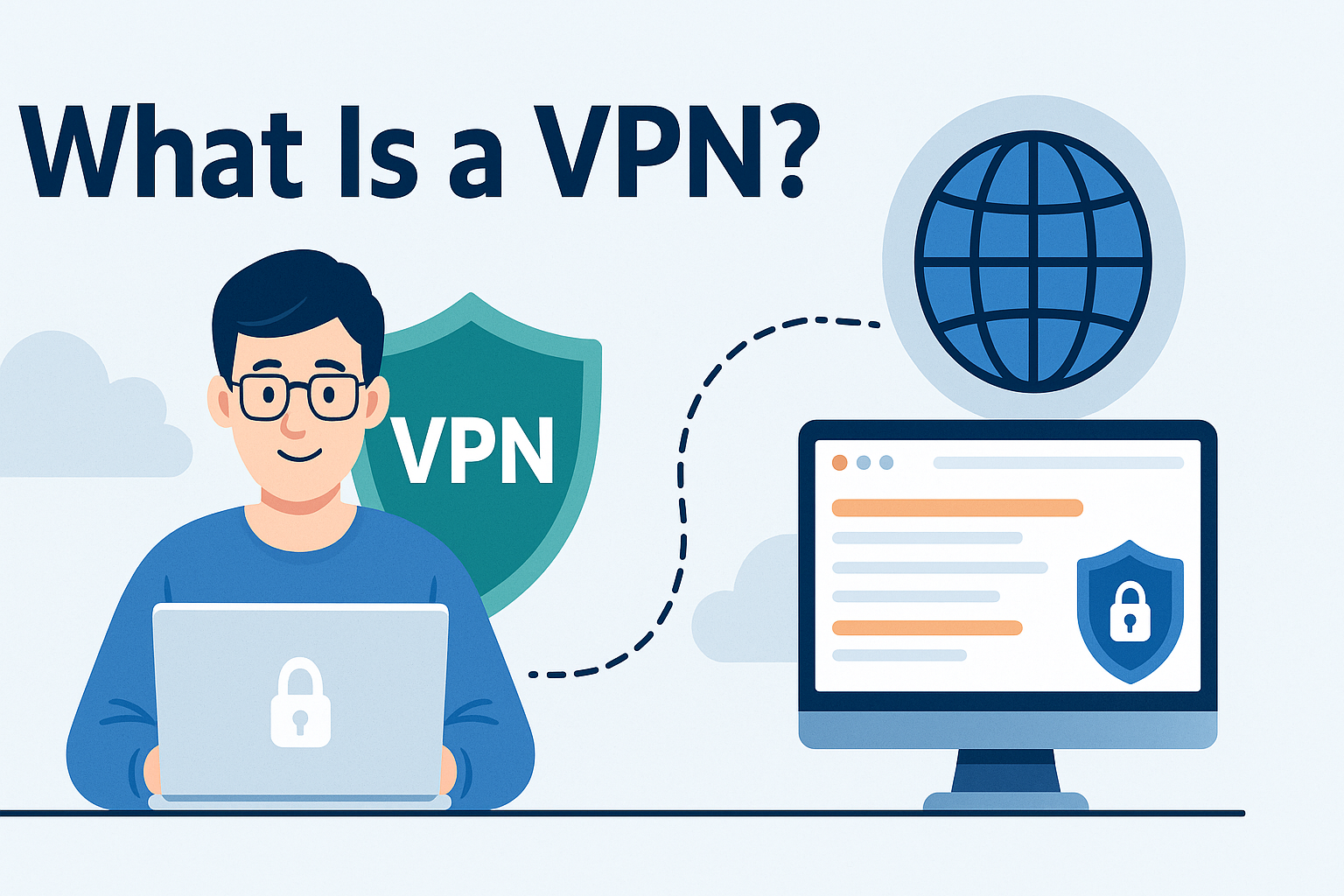
VPN ads promise "complete anonymity", "military-grade encryption", and "total online freedom." But if you've ever wondered what a VPN actually does under the hood — and what it doesn't do — this guide gives you a straight answer.
What Is a VPN?
VPN stands for Virtual Private Network. At its core, a VPN does two things: it encrypts your internet traffic and it replaces your IP address with one from the VPN server.
When you browse the web normally, every website you visit can see your real IP address — which reveals your approximate location, your internet service provider (ISP), and can be used to track you across sites. A VPN sits between your device and the internet, acting as an intermediary that hides this information.
Think of it like sending a letter through a trusted middleman. Instead of your home address appearing on the envelope, the recipient sees the middleman's address. They can still read the letter, but they don't know where it came from.
How Does a VPN Actually Work?
Here's what happens step by step when you connect to a VPN:
- You open a VPN app and connect to a server (for example, one in London or New York).
- Your device creates an encrypted tunnel to that VPN server.
- All your internet traffic — web browsing, apps, streaming — passes through that tunnel.
- Websites and services see the VPN server's IP address, not yours.
- Your ISP can see you're connected to a VPN, but cannot see what sites you're visiting.
The encryption used by reputable VPNs (typically AES-256) is extremely strong — effectively unbreakable with current technology. This makes VPNs particularly valuable on networks you don't control, like public Wi-Fi.
When Should You Use a VPN?
VPNs are most useful in these everyday situations:
- Public Wi-Fi: Coffee shops, airports, hotels, and libraries all have open networks. Without a VPN, anyone on the same network can potentially intercept unencrypted traffic. A VPN prevents this entirely.
- Hiding browsing from your ISP: In many countries, ISPs can legally log and sell your browsing history. A VPN stops your provider from seeing which sites you visit.
- Accessing geo-restricted content: Streaming services show different libraries in different countries. By connecting through a server elsewhere, you can access different content.
- Remote work: Many businesses require staff to connect via VPN to securely access internal systems and files.
- Avoiding price discrimination: Some websites show different prices based on your location. A VPN lets you compare prices across regions before buying.
What a VPN Cannot Do
This is the part most VPN marketing skips. A VPN is not a complete privacy shield:
- It doesn't make you anonymous. If you're logged into Google, Facebook, or any other account, those services still know who you are — regardless of your IP address.
- It doesn't block cookies or trackers. Advertising trackers follow you using cookies, fingerprinting, and login data — none of which a VPN stops.
- It doesn't protect against malware. A VPN encrypts your connection but won't stop you downloading a virus or clicking a phishing link.
- It doesn't hide everything from your VPN provider. The VPN company itself can see your traffic. This is why choosing a provider with a genuine no-logs policy matters.
- WebRTC leaks can expose your real IP. Some browsers can leak your real IP address through a technology called WebRTC, even when a VPN is active. You can test for this using GoIPScan's VPN leak test.
Choosing a VPN: What Actually Matters
With hundreds of VPN providers available, the choice feels overwhelming. Here are the factors that genuinely matter:
- No-logs policy: A reputable VPN should not store records of your activity. Look for providers that have had their no-logs claims independently audited by third parties.
- Jurisdiction: Where the company is based matters. Providers in countries with strong surveillance laws may be compelled to hand over data. Providers based in privacy-friendly countries like Switzerland or Panama offer stronger protections.
- Kill switch: If the VPN connection drops unexpectedly, a kill switch cuts your internet access immediately — preventing your real IP from being briefly exposed.
- DNS leak protection: Your VPN should handle DNS requests internally, so they don't leak to your ISP's servers. Not all VPNs do this reliably.
- Speed and server count: More servers in more locations means less congestion and more flexibility for bypassing geo-restrictions.
Free VPNs: Are They Safe?
Free VPNs are tempting but often come with serious trade-offs. Running a VPN network costs real money — servers, bandwidth, and staff all have to be paid for. If you're not paying, the service may be monetising your data instead.
Several free VPN providers have been caught logging user activity, injecting ads into websites, or selling browsing data to advertisers — the exact opposite of what you want from a privacy tool. If privacy matters to you, a reputable paid VPN is worth the modest monthly cost. Many quality providers cost less than £3–5 per month on annual plans.
How to Verify Your VPN Is Working
Once you've connected to a VPN, it's worth checking it's actually masking your IP correctly. Here's how:
- Connect to your VPN and choose a server location.
- Visit the GoIPScan homepage to check your current public IP address.
- Confirm the IP and location shown match the VPN server — not your real home location.
- Run the VPN Leak Test to check whether WebRTC is exposing your real IP despite the VPN being active.
If GoIPScan still shows your home ISP and real city after connecting, the VPN is not working correctly. This can happen due to a dropped connection, a split-tunnelling setting, or a WebRTC leak.
Frequently Asked Questions
Does a VPN slow down my internet?
Yes, slightly — because your traffic takes an extra hop through the VPN server. With a good provider and a nearby server, the difference is rarely noticeable for browsing and streaming. On a very fast connection, encryption overhead may reduce speeds by around 10–20%.
Can my ISP see that I'm using a VPN?
Yes. Your ISP can tell you're connected to a VPN server, but they cannot see what you're doing through it. Some VPNs offer obfuscation features that disguise VPN traffic as regular HTTPS, making it harder to detect.
Is using a VPN legal in the UK?
Yes, VPNs are completely legal in the UK and across most of Europe. They are widely used by businesses, journalists, and privacy-conscious individuals. Using a VPN to carry out illegal activities is still illegal, of course — the VPN doesn't change that.
Does a VPN protect me on my phone?
Yes, if you install the VPN app on your phone. The same benefits and limitations apply on mobile as on desktop. Most VPN providers offer apps for iOS and Android.
What's the difference between a VPN and Tor?
Tor routes your traffic through multiple volunteer-run nodes, providing stronger anonymity but much slower speeds. A VPN routes through a single company-controlled server, offering better performance with less anonymity. For most everyday privacy needs, a reputable VPN is the more practical choice.